Swift iOS App Development
Swift is Apple's own language for iPhone, iPad, Mac and Apple Watch. We use it with SwiftUI when an app has to feel completely at home on iOS and use the newest platform features the day they ship.
What it is. When we use it.
Swift is the modern, type-safe language Apple created to replace Objective-C. Paired with SwiftUI for the interface, it gives direct access to every Apple framework: HealthKit, Core ML, ARKit, widgets, Live Activities and the rest. The compiler catches whole classes of bugs before the app ever runs, and the result is compiled to fast native code.
We recommend Swift when the product is iOS-first, when it depends on platform features that cross-platform tools reach late or only through plugins, or when performance on the device really matters. If the same app also has to ship on Android with one team, we will talk through React Native and Flutter with you first.
When we reach for it
- The product is iOS-first, or iOS is where most of its users are
- It leans on Apple frameworks: HealthKit, Core ML, ARKit, widgets or Apple Watch
- Animation, camera or on-device processing has to be as smooth as possible
- You want an app that follows Apple's design conventions to the letter
Why we choose it.
What Swift brings to the products we build, and why it earns its place in the stack.
Native speed
Swift compiles to machine code and talks to the OS directly, with no bridge or runtime in between.
Safer code
Optionals and strong types catch crashes at compile time, so fewer bugs ever reach the App Store.
New features first
Every new iOS capability arrives in Swift on day one, without waiting for a plugin to catch up.
The whole Apple family
One Swift codebase can reach iPhone, iPad, Mac and Apple Watch with shared logic and SwiftUI views.
What we build with it.
The products and features we build with Swift, from our services and the industries we know.
iPhone and iPad apps
Consumer and business apps designed around iOS conventions and shipped through the App Store.
Health and fitness
Apps that read and write HealthKit data and pair with Apple Watch for workouts and tracking.
Widgets and watch apps
Home-screen widgets, Live Activities and watchOS companions that keep users close to the app.
Media and content
Reading, video and audio apps with offline storage, background playback and smooth scrolling.
Secure finance apps
Face ID, the Keychain and the Secure Enclave for apps that handle money and personal data.
Shipped with it.
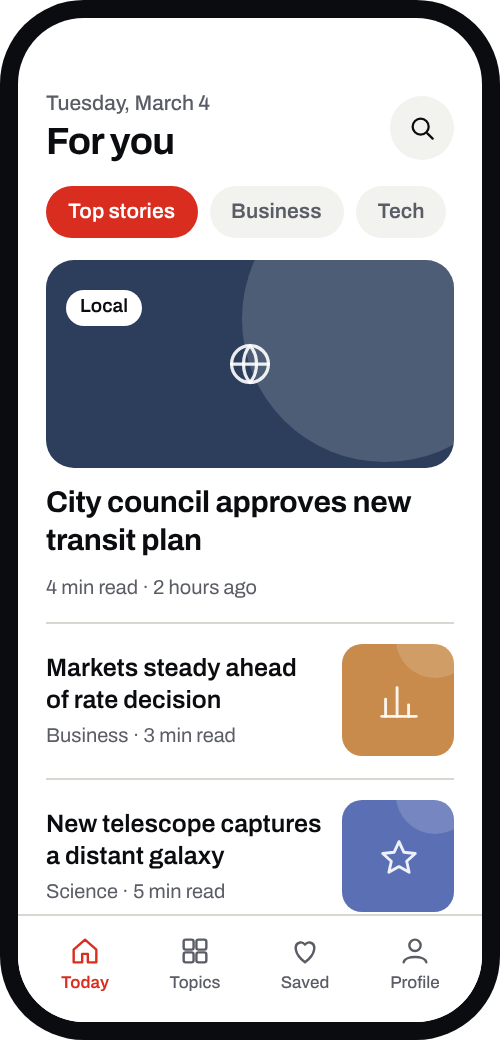
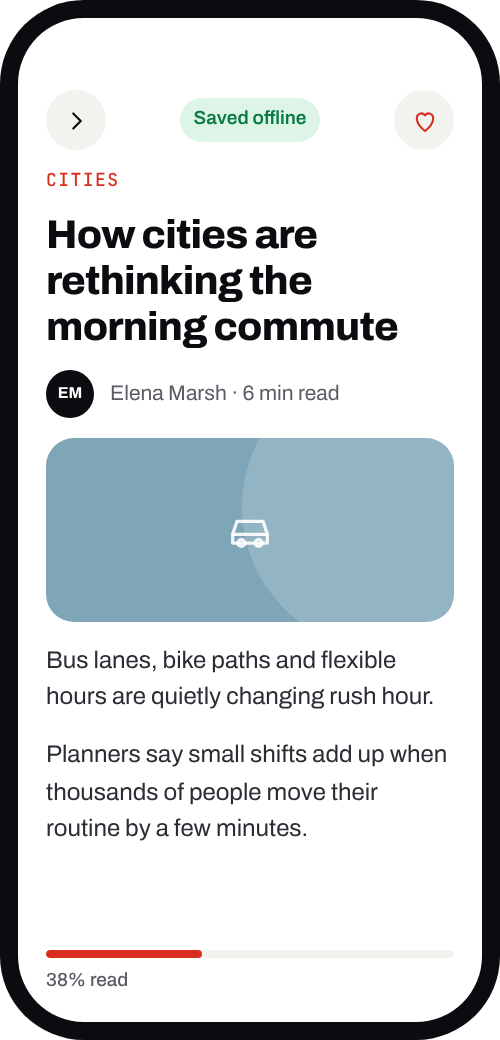
Projects from our portfolio built with Swift. Open one for its screens, features and stack.
Pick the right fit.
There is no single best way to build a mobile app. This is how the four options compare in practice; we recommend one after a scoping call.
| Compare | NativeSwift · Kotlin · This page | React NativeTypeScript | FlutterDart |
|---|---|---|---|
| Codebase | One per platform | One shared codebase for iOS and Android | One shared codebase for iOS and Android |
| Interface | Each platform's own UI kit: SwiftUI and Jetpack Compose | Real native components, driven from React | Flutter's own engine draws every pixel |
| Device features | Every platform API, on the day it ships | Most through libraries; native modules for the rest | Most through plugins; platform channels for the rest |
| Performance | The ceiling for graphics and on-device processing | Close to native for most business and consumer apps | Smooth, consistent rendering on every device |
| Shared with web | Little or none | Types, logic and API code shared with a React web app | Little; Flutter web suits app-like tools more than websites |
| Best fit | Apps built around one platform and its newest features | Products that need both stores and a React web app | Brand-led designs that must look identical everywhere |
From first call to live app.
A proven five-stage process that eliminates guesswork, keeps you in control, and delivers on time.
Discovery & Scoping
We learn your business, map your users, and define exactly what needs to be built. No guesswork. No assumptions.
Design & Prototype
Wireframes and interactive prototypes so you can see and feel the app before a single line of code is written.
Development Sprints
Agile two-week sprints. You see real progress regularly. Feedback is built in — not bolted on at the end.
QA & Testing
Rigorous testing across devices, edge cases, and real-world scenarios. We find the bugs so your users don't.
Launch & Support
App Store submission, launch support, and an ongoing maintenance plan to keep everything running smoothly.
Questions, answered.
What clients most often ask us about Swift. Something else on your mind? Ask us directly.
01Should we build in Swift or with a cross-platform framework?
If your users are mostly on iPhone or the app depends on Apple-only features, Swift is usually the better choice. If you need iOS and Android at the same time with one team, React Native or Flutter often makes more sense. We recommend one after a scoping call, based on your users and roadmap.
02Do you use SwiftUI or UIKit?
SwiftUI for new screens, because it is faster to build and easier to maintain. We drop into UIKit where a component needs finer control, and we are comfortable working in older UIKit codebases.
03Can you take over an existing iOS app?
Yes. We start with a code review covering architecture, dependencies, crash reports and the build pipeline, then agree a plan to stabilise the app before adding features.
04Will the app also work on iPad and Mac?
It can. SwiftUI layouts adapt to iPad, and many apps run on Apple silicon Macs with little extra work. We plan for the devices you need from the start, so layouts do not have to be retrofitted later.
05Do you handle App Store submission?
Yes. We prepare the build, privacy details and review notes, submit the app and deal with any feedback from App Review until it is live.
Ready to build something that actually works?
Get a free strategy call with our team. No hard sell. No obligation. Just an honest conversation about what you need to build and whether we're the right fit.