Kotlin Android App Development
Kotlin is Google's preferred language for Android. We use it with Jetpack Compose to build native Android apps that run smoothly across thousands of different devices, from budget phones to foldables.
What it is. When we use it.
Kotlin is a concise, null-safe language that runs on the JVM and is fully interoperable with Java. Google made it the preferred language for Android, and Jetpack Compose, the modern Android UI toolkit, is written for it. Coroutines make background work such as network calls, sync and database access straightforward and readable.
We choose Kotlin when Android is the main platform, when the app needs deep hardware or system access (Bluetooth, background services, custom notifications, device management), or when an existing Java app needs modernising. Kotlin Multiplatform can also share business logic with iOS while each platform keeps its native interface.
When we reach for it
- Android is the main platform, or the app has to work on rugged or managed devices
- The app needs background services, Bluetooth, NFC or deep system integration
- An existing Java Android app needs to be modernised step by step
- You want native UI on both platforms and shared logic underneath
Why we choose it.
What Kotlin brings to the products we build, and why it earns its place in the stack.
Null safety
The type system rules out the null-pointer crashes that used to be Android's most common bug.
Modern UI
Jetpack Compose builds screens from small, testable functions with far less code than XML layouts.
Works with Java
Kotlin and Java live in the same project, so older apps can move over one screen at a time.
Clear async code
Coroutines and Flow keep network, database and sync work readable and easy to cancel.
What we build with it.
The products and features we build with Kotlin, from our services and the industries we know.
Android apps
Native Android apps built with Compose, tested across screen sizes and shipped to Google Play.
Field and fleet apps
Apps for drivers and field teams with offline data, background location and scanning.
Tablets and kiosks
Managed-device and kiosk-mode apps for shops, warehouses and front desks.
Media and content
Feeds, players and offline reading built to stay smooth on mid-range phones.
Construction and site tools
Rugged-device apps for daily logs, photos and inspections where the signal is poor.
Shipped with it.
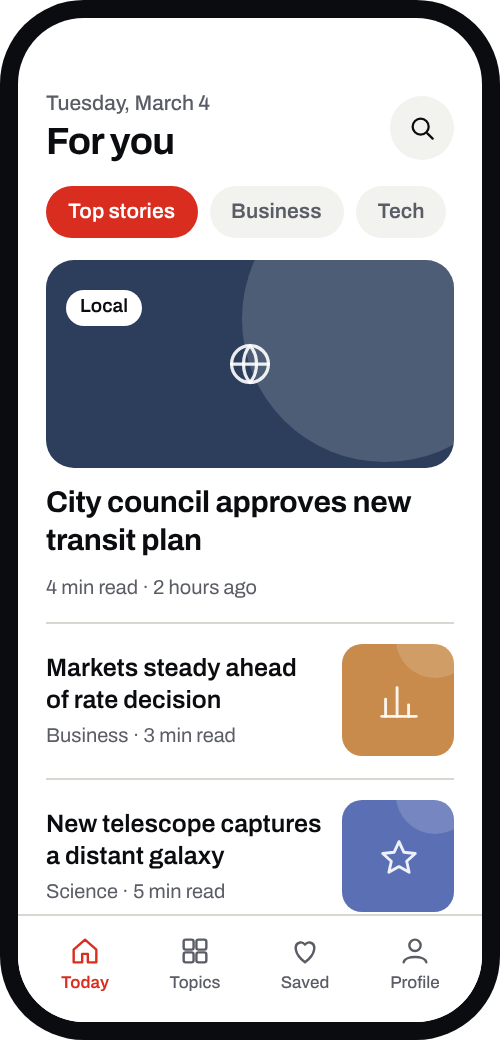
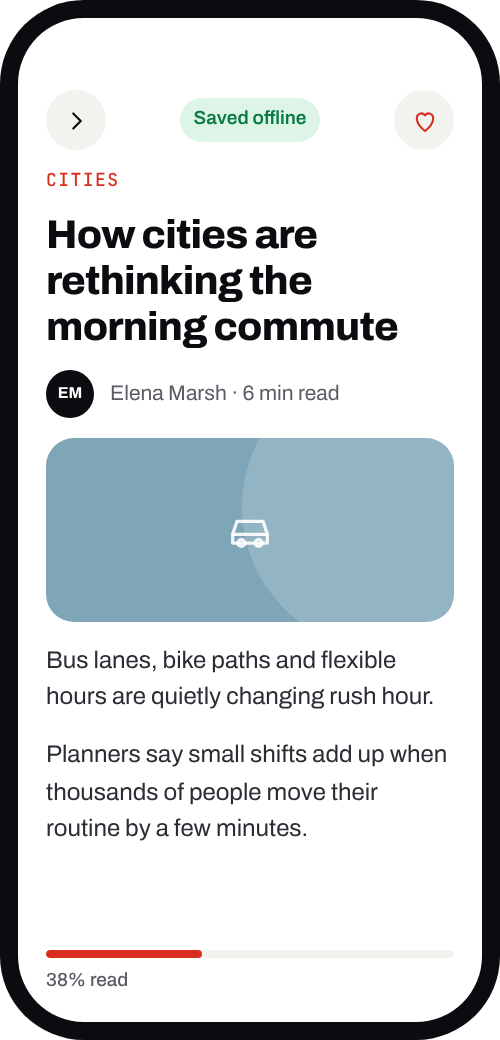
Projects from our portfolio built with Kotlin. Open one for its screens, features and stack.
Better together.
The technologies we most often combine with Kotlin. Each has its own page.
Pick the right fit.
There is no single best way to build a mobile app. This is how the four options compare in practice; we recommend one after a scoping call.
| Compare | NativeSwift · Kotlin · This page | React NativeTypeScript | FlutterDart |
|---|---|---|---|
| Codebase | One per platform | One shared codebase for iOS and Android | One shared codebase for iOS and Android |
| Interface | Each platform's own UI kit: SwiftUI and Jetpack Compose | Real native components, driven from React | Flutter's own engine draws every pixel |
| Device features | Every platform API, on the day it ships | Most through libraries; native modules for the rest | Most through plugins; platform channels for the rest |
| Performance | The ceiling for graphics and on-device processing | Close to native for most business and consumer apps | Smooth, consistent rendering on every device |
| Shared with web | Little or none | Types, logic and API code shared with a React web app | Little; Flutter web suits app-like tools more than websites |
| Best fit | Apps built around one platform and its newest features | Products that need both stores and a React web app | Brand-led designs that must look identical everywhere |
From first call to live app.
A proven five-stage process that eliminates guesswork, keeps you in control, and delivers on time.
Discovery & Scoping
We learn your business, map your users, and define exactly what needs to be built. No guesswork. No assumptions.
Design & Prototype
Wireframes and interactive prototypes so you can see and feel the app before a single line of code is written.
Development Sprints
Agile two-week sprints. You see real progress regularly. Feedback is built in — not bolted on at the end.
QA & Testing
Rigorous testing across devices, edge cases, and real-world scenarios. We find the bugs so your users don't.
Launch & Support
App Store submission, launch support, and an ongoing maintenance plan to keep everything running smoothly.
Questions, answered.
What clients most often ask us about Kotlin. Something else on your mind? Ask us directly.
01Is Kotlin only for Android?
Mostly, but not only. Kotlin also runs on servers, and Kotlin Multiplatform can share business logic with iOS. For most clients we use it for the Android app itself.
02Should we go native on Android or use React Native or Flutter?
Native Kotlin is the better fit when Android is your main platform or you need deep system access. If you need iOS and Android together on a single budget, a cross-platform framework is often the smarter choice. We help you weigh this up on the first call.
03Can you modernise our Java Android app?
Yes. Kotlin and Java work side by side, so we can move the app over gradually, starting with new features and the screens that change most, without a risky rewrite.
04How do you deal with so many Android devices?
We design responsive Compose layouts, test on a spread of real and virtual devices across screen sizes and Android versions, and watch crash reports after launch.
05Do you publish to Google Play?
Yes. We set up signing, store listings, testing tracks and staged rollouts, and handle Play Console review.
06Can Kotlin share code with our iOS app?
With Kotlin Multiplatform, yes: business logic, networking and data models can be shared, while each platform keeps its own native interface in Jetpack Compose and SwiftUI. It works best when introduced for well-defined modules first.
Ready to build something that actually works?
Get a free strategy call with our team. No hard sell. No obligation. Just an honest conversation about what you need to build and whether we're the right fit.