Flutter App Development
Flutter is Google's toolkit for building apps for iOS and Android from one Dart codebase. It draws every pixel itself, which makes it a strong choice for brand-led interfaces that must look identical on every device.
What it is. When we use it.
Flutter is an open-source UI toolkit from Google. Apps are written in Dart and compiled to native code, and Flutter's own rendering engine draws the interface rather than using the platform's built-in components. That gives designers complete control over every screen and makes custom animation and motion straightforward.
We choose Flutter for products with a strong visual identity, apps that need rich custom animation, and projects where both platforms must look exactly the same. Hot reload keeps design iteration fast, and plugins cover the device features most apps need, from the camera to health data.
When we reach for it
- The interface is custom and brand-led rather than standard platform UI
- The design must look and behave identically on iOS and Android
- The app relies on rich animation, charts or custom drawing
- You want one team and one codebase for both stores
Why we choose it.
What Flutter brings to the products we build, and why it earns its place in the stack.
Design control
Flutter draws every pixel, so the app matches the design exactly on every device.
One Dart codebase
Interface and logic are shared across iOS and Android, so both apps stay in step.
Smooth rendering
Compiled code and its own rendering engine keep animation and scrolling fluid.
Hot reload
Changes appear in the running app in about a second, which keeps design reviews quick.
What we build with it.
The products and features we build with Flutter, from our services and the industries we know.
Cross-platform apps
Brand-led iOS and Android apps from one Flutter codebase and one team.
Fitness and wellbeing
Workout, tracking and wellness apps with charts, timers and health data.
Food and hospitality
Booking, ordering and chef or venue apps with maps and payments.
Travel apps
Trip planning, itineraries and offline maps with a polished, custom interface.
Dashboards on mobile
Data-heavy apps with custom charts and animated visualisations.
Shipped with it.
Projects from our portfolio built with Flutter. Open one for its screens, features and stack.
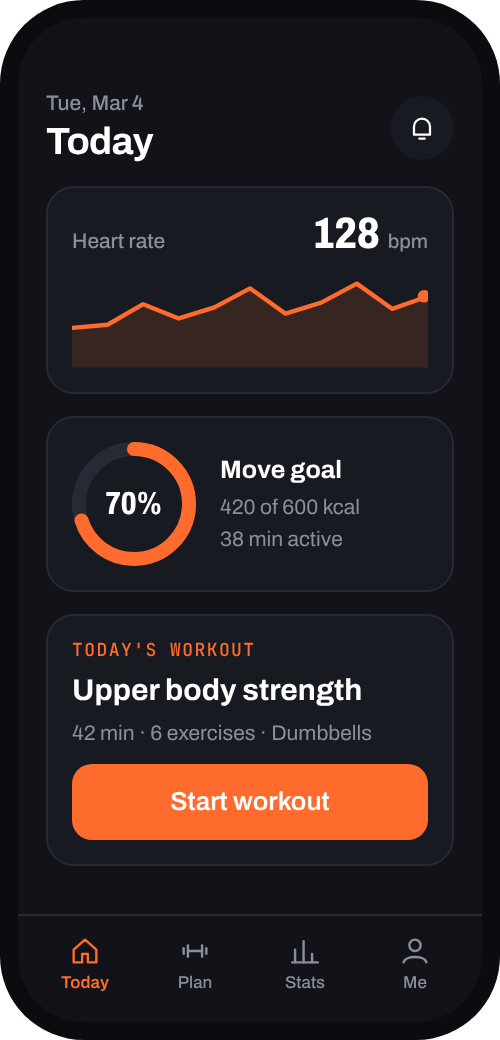
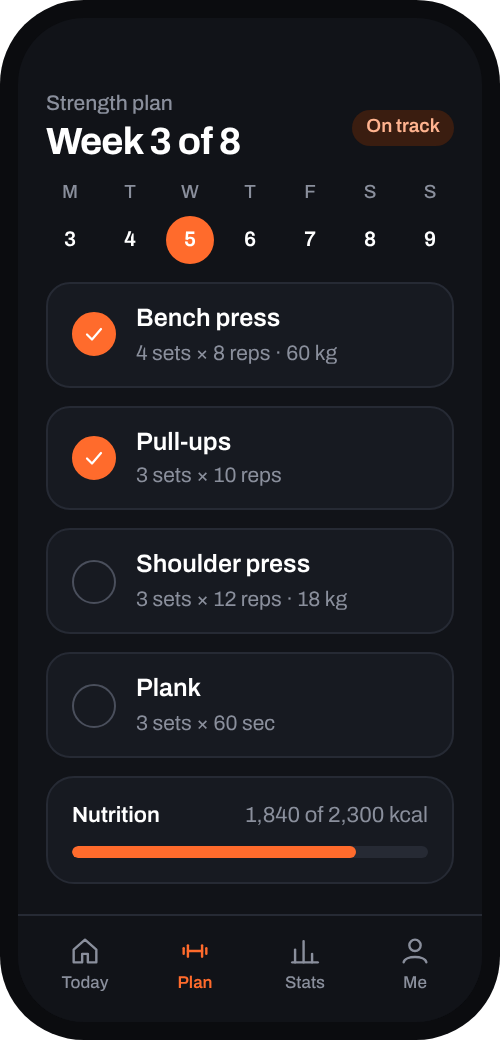
FitPulse
Fitness tracking app with personalized workout plans and nutrition guidance.
Flutter · Firebase · TensorFlow Lite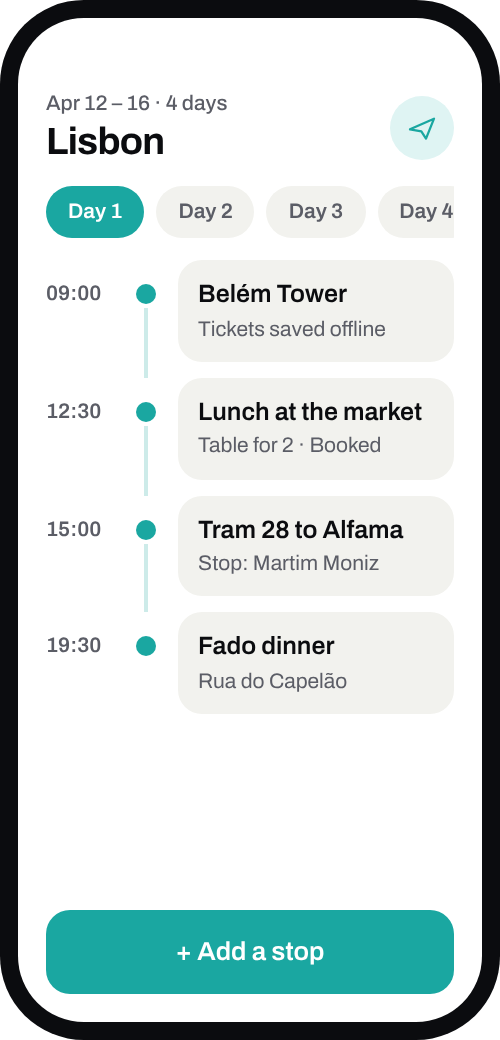
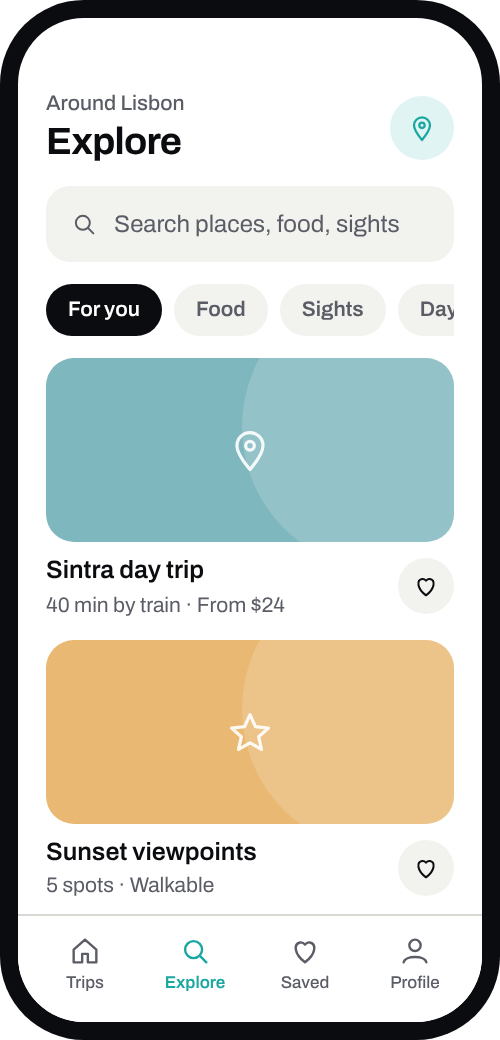
TravelMate
Travel planning app with itinerary builder and local recommendations.
Flutter · Go · MongoDB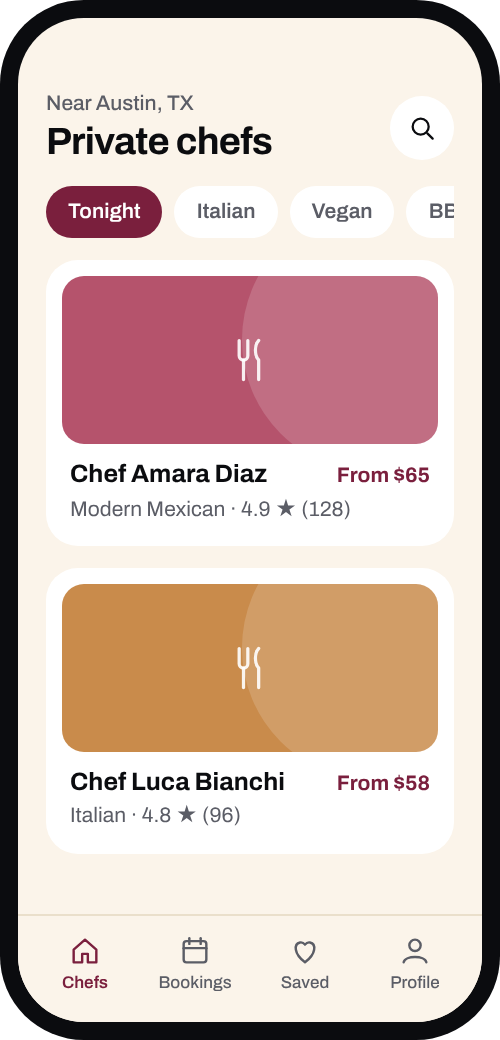
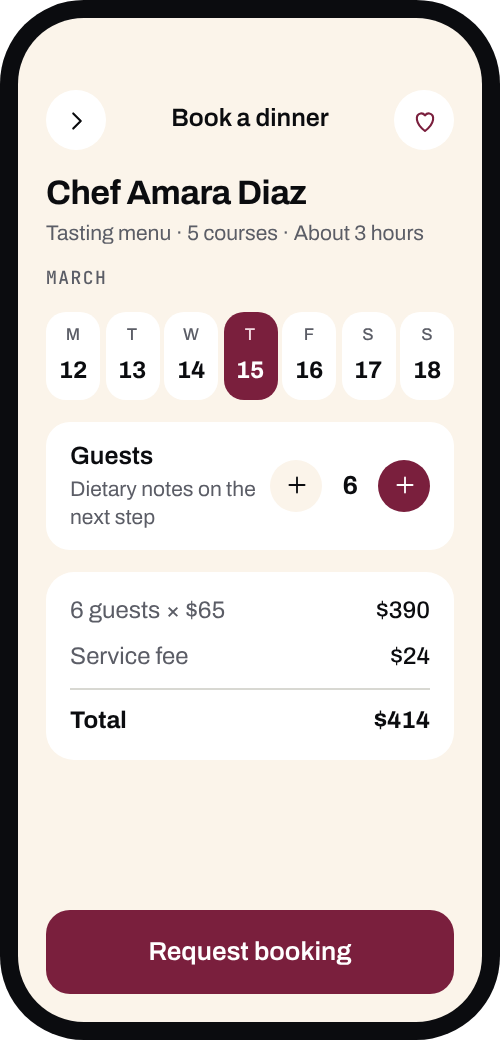
ChefConnect
App connecting home chefs with food enthusiasts for private dining.
Flutter · Firebase · StripePick the right fit.
There is no single best way to build a mobile app. This is how the four options compare in practice; we recommend one after a scoping call.
| Compare | NativeSwift · Kotlin | React NativeTypeScript | FlutterDart · This page |
|---|---|---|---|
| Codebase | One per platform | One shared codebase for iOS and Android | One shared codebase for iOS and Android |
| Interface | Each platform's own UI kit: SwiftUI and Jetpack Compose | Real native components, driven from React | Flutter's own engine draws every pixel |
| Device features | Every platform API, on the day it ships | Most through libraries; native modules for the rest | Most through plugins; platform channels for the rest |
| Performance | The ceiling for graphics and on-device processing | Close to native for most business and consumer apps | Smooth, consistent rendering on every device |
| Shared with web | Little or none | Types, logic and API code shared with a React web app | Little; Flutter web suits app-like tools more than websites |
| Best fit | Apps built around one platform and its newest features | Products that need both stores and a React web app | Brand-led designs that must look identical everywhere |
From first call to live app.
A proven five-stage process that eliminates guesswork, keeps you in control, and delivers on time.
Discovery & Scoping
We learn your business, map your users, and define exactly what needs to be built. No guesswork. No assumptions.
Design & Prototype
Wireframes and interactive prototypes so you can see and feel the app before a single line of code is written.
Development Sprints
Agile two-week sprints. You see real progress regularly. Feedback is built in — not bolted on at the end.
QA & Testing
Rigorous testing across devices, edge cases, and real-world scenarios. We find the bugs so your users don't.
Launch & Support
App Store submission, launch support, and an ongoing maintenance plan to keep everything running smoothly.
Questions, answered.
What clients most often ask us about Flutter. Something else on your mind? Ask us directly.
01Flutter or React Native: which should we choose?
Both are mature, cross-platform frameworks. Flutter suits custom, brand-led interfaces and rich animation. React Native suits teams with React on the web and apps that should use each platform's own components. We recommend one after looking at your design, team and roadmap.
02Does a Flutter app look native?
Flutter ships widgets that follow both Material and Apple design, and it can adapt to each platform. Most of our Flutter clients choose it precisely because they want their own consistent design on both.
03Can Flutter access device features?
Yes. Plugins cover the camera, location, notifications, payments, health data and more. Where a plugin does not exist, we write platform code in Swift or Kotlin and connect it through platform channels.
04Is Dart hard to hire for later?
Dart is easy to learn for anyone who knows Java, Kotlin, Swift or TypeScript, and the Flutter community is large. We also hand over documentation and a clean architecture so another team can take over.
05Can Flutter also run on the web or desktop?
It can, and it works well for internal tools and app-like web experiences. For public, search-friendly websites we usually recommend a React or Next.js front end instead.
06How do you test Flutter apps?
With unit tests for logic, widget tests for screens and integration tests for the key flows, run automatically on every change. We also test on real iOS and Android devices before each release.
Ready to build something that actually works?
Get a free strategy call with our team. No hard sell. No obligation. Just an honest conversation about what you need to build and whether we're the right fit.